AI Automation & Managed Systems: What We Build
Custom AI-powered automation, engineered around how your business already runs, not a generic tool you have to bend around.
Custom AI-powered automation, engineered around how your business already runs, not a generic tool you have to bend around.
Every build starts with a conversation about your actual process. These are the most common places automation, and the systems around it, make an immediate difference, across almost any industry.
See these built into 8 full solutions, with the problem, approach, and typical impact for each →
Most leads go cold in the time it takes to return a call. An AI assistant answers inquiries, qualifies leads, and follows up automatically by text, email, or chat, so nobody's waiting on a callback that comes too late.
Double-bookings and no-shows cost more than they look like they do. Automated booking, confirmation, and reminder flows for service calls, appointments, or showings, synced straight to your calendar.
A slow, unclear website loses customers before they ever pick up the phone. A site built to convert, not just look good: clear positioning, fast load times, and copy that turns visitors into inquiries, backed by real search visibility from day one.
Waiting for the phone to ring leaves growth to chance. Systems that go out and find your next customer instead: targeted outreach, inbound capture, and qualification before a lead ever reaches your inbox.
Manual data entry quietly eats hours that should go to paying work. Automatically summarize, sort, or extract data from quotes, contracts, and forms, cutting hours of retyping down to minutes.
A CRM nobody keeps updated is just an expensive filing cabinet. A pipeline that tracks every deal automatically, nudges follow-up before it's too late, and shows you exactly where revenue is stuck.
Every one of these starts the same way: mapping how your business actually operates before a single line of automation gets built.
Most leads aren't ready to buy the first time they reach out, and most businesses never follow up again after that. Automated email and text sequences stay in front of them, so they come back to you instead of a competitor.
Happy customers rarely leave a review on their own, and unhappy ones almost always do. Automated, well-timed review requests after every job or sale, plus a simple system to flag unhappy customers before they post publicly.
When your numbers live in five different tools, every decision is made a week late. One place pulls them together, so you see what's actually happening in the business without digging for it.
Late payments are usually a follow-up problem, not a customer problem. Automated invoicing, payment reminders, and collections follow-up mean getting paid doesn't depend on someone remembering to send a reminder.
Before you sign a contract or commit to a new platform, an outside, technical read on whether it actually fits: what it does well, where it falls short, and what the sales pitch leaves out.

"Nobody wants another app to log into. The goal is a system that just works in the background, so your team barely notices it's there."
The concrete outputs a build like this actually produces. Illustrative renderings representative of the type of system, not a screenshot of any specific client's live account.
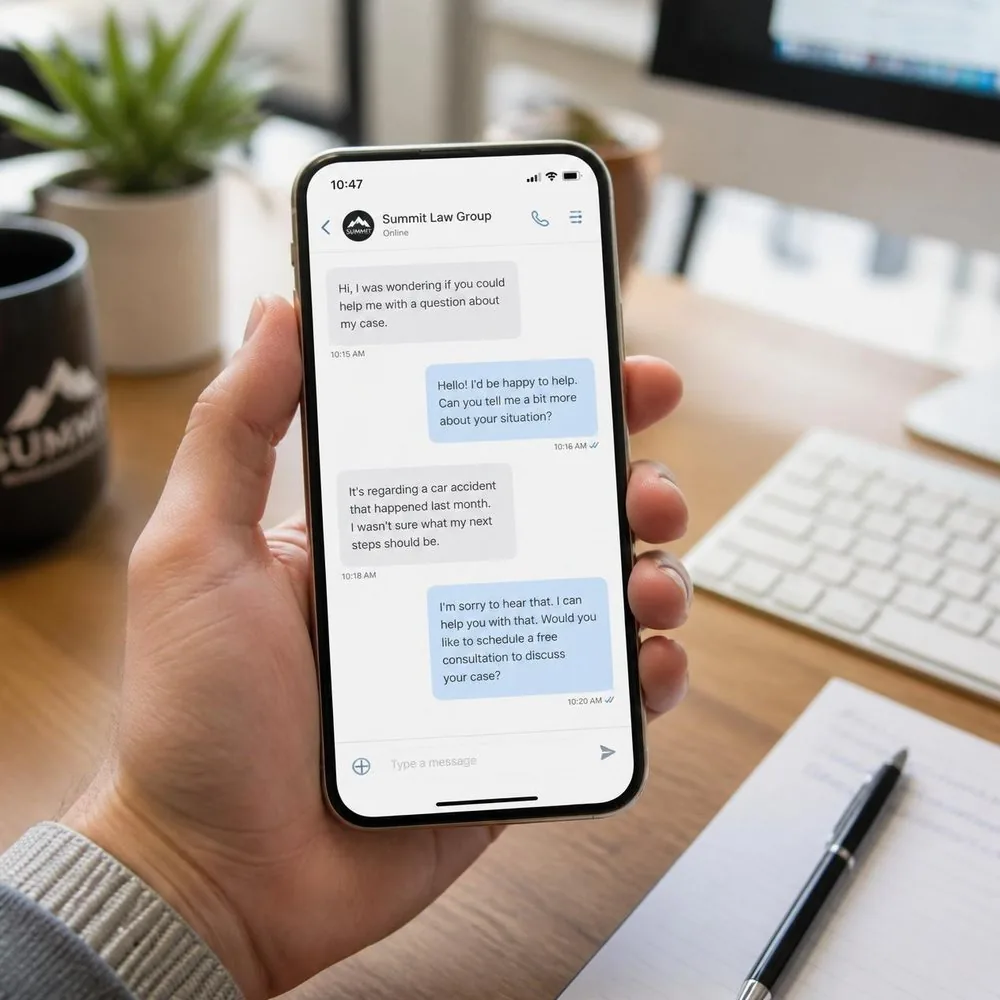
The confirmation text a customer gets the moment they book, sent automatically, no one typing it by hand.
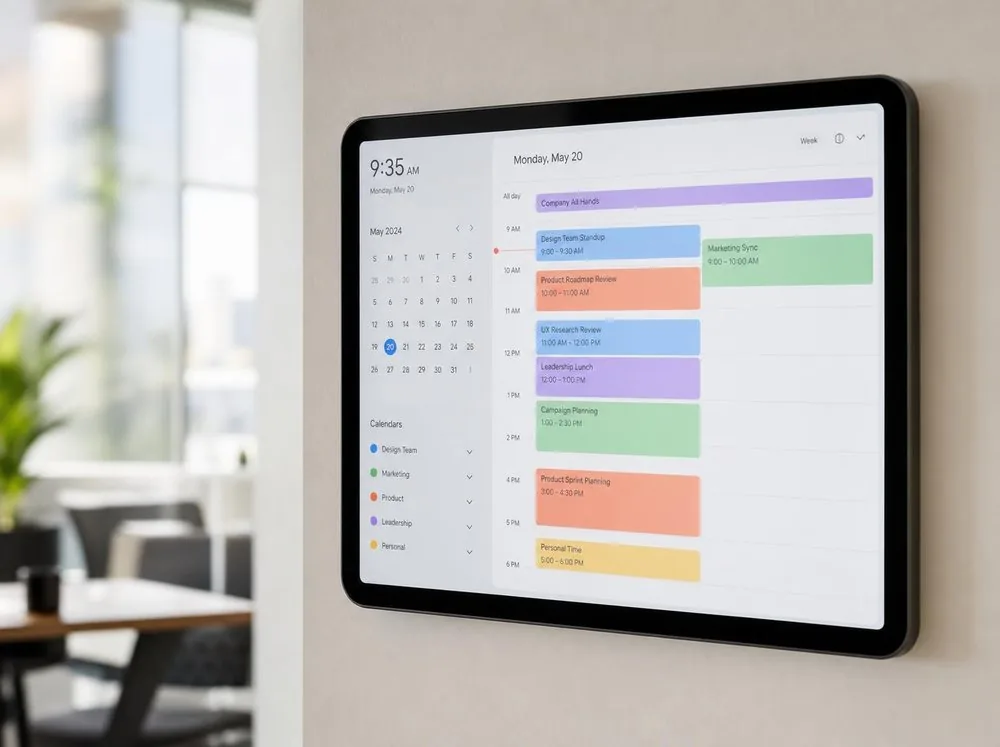
Synced automatically as bookings change.
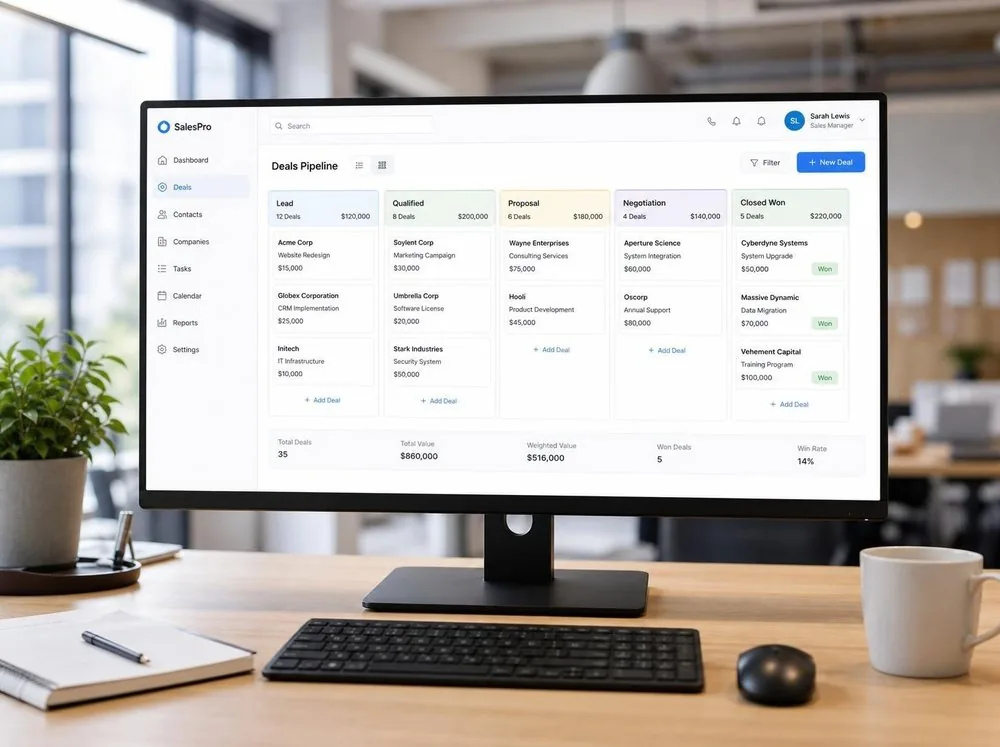
Nothing sits untouched in a stalled stage.

The numbers that matter, updated automatically and visible at a glance, no manual spreadsheet required.

No one re-typing it by hand.
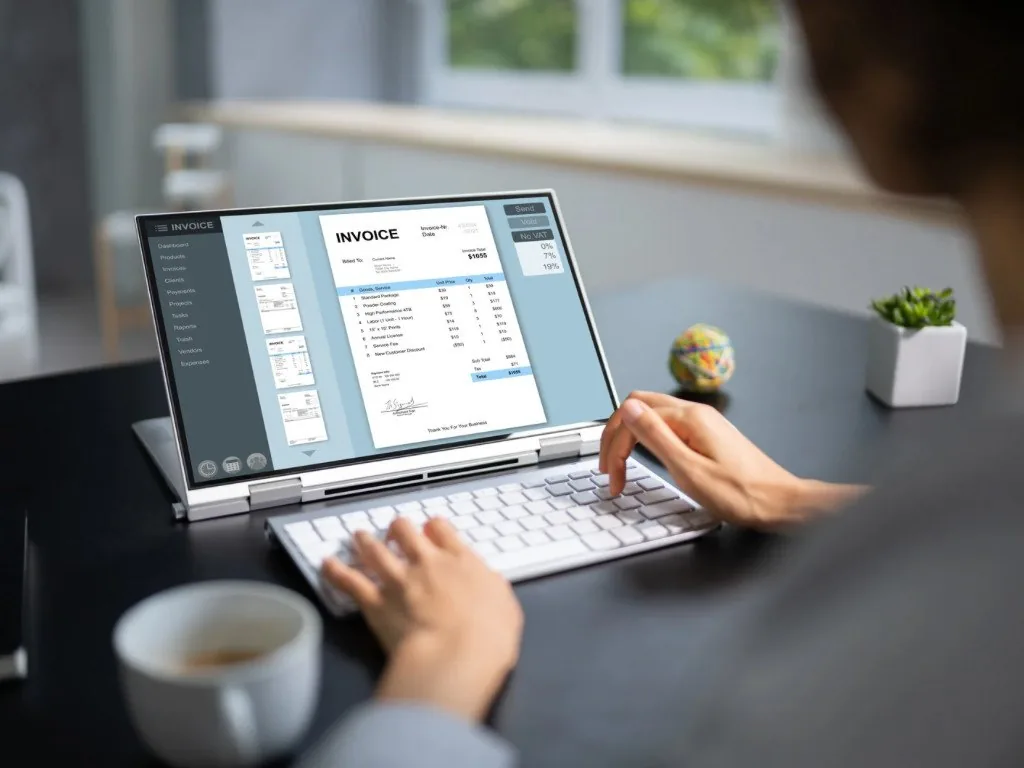
Payment follow-up stops depending on memory.
No surprises, no disruption to how you run today. See the full breakdown of our approach and methodology.
Read our full approach
A 30-minute walkthrough of where your time actually goes.
A simple, plain-English plan for what gets automated first.
The system gets built and tested against real scenarios.
You get a working system, trained on your business, ready to run.
A clean handover, or ongoing monitoring as an add-on. Your call, no lock-in either way.
Most businesses already have some tools in place. We connect to what you're already running instead of ripping it out, and if a piece of your stack needs an upgrade, that same experience tells us exactly what to recommend. Either way, everything runs on accounts you own, not ours.
Start with one. Most engagements begin with whatever's costing you the most time or leads right now, usually intake, scheduling, or CRM, and expand from there once the first system is proven out.
In almost every case, yes. We've connected automation to platforms like QuickBooks, Salesforce, HubSpot, ServiceTitan, Housecall Pro, Clio, and dozens of others. If something needs an upgrade to do the job right, we'll tell you before any work starts.
This list covers what comes up most often, not everything we can build. If your business has a repetitive process that isn't on this page, reach out and describe it: there's a good chance it's automatable.
You do. Every build runs on accounts in your name, not ours. If you ever stop working with Goldenspire, the system keeps running exactly as it did the day before.
If your team is comfortable owning the system day to day, Build & Handover is usually enough. If you'd rather not think about it, Build & Monitor adds ongoing monitoring and updates for a flat monthly fee. See the full comparison for details.
Custom. Off-the-shelf tools get you generic automation that half-fits your workflow. Every Goldenspire system is built around how your specific business operates, which is also why it actually gets used six months later.
That's exactly what reaching out is for: a plain, no-pitch look at where automation could save you the most time.
Reach out for a free consultationNot ready to talk yet? Take the free 2-minute readiness check →